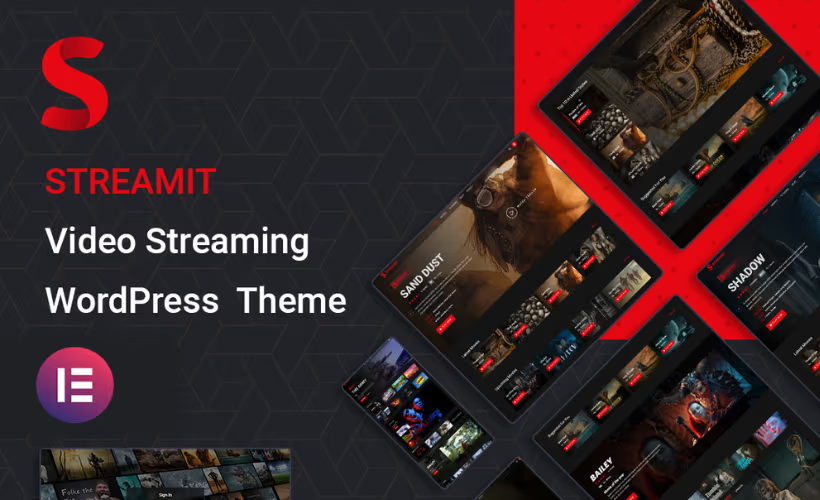
Streamit is Iqonic Design’s WordPress theme for movie catalogues, video-on-demand sites and streaming portals. Its streaming-oriented layouts can shorten the design phase, but the theme works with companion plugins: it is not a standalone video hosting, billing or delivery service.
This Streamit theme review separates the storefront features from the plugins and services needed for a working subscription platform. The earlier hands-on record reports setup in approximately 14 minutes on WordPress 6.8 with PHP 8.2. That is a historical setup observation, not a fresh test of the current release or a production streaming benchmark.
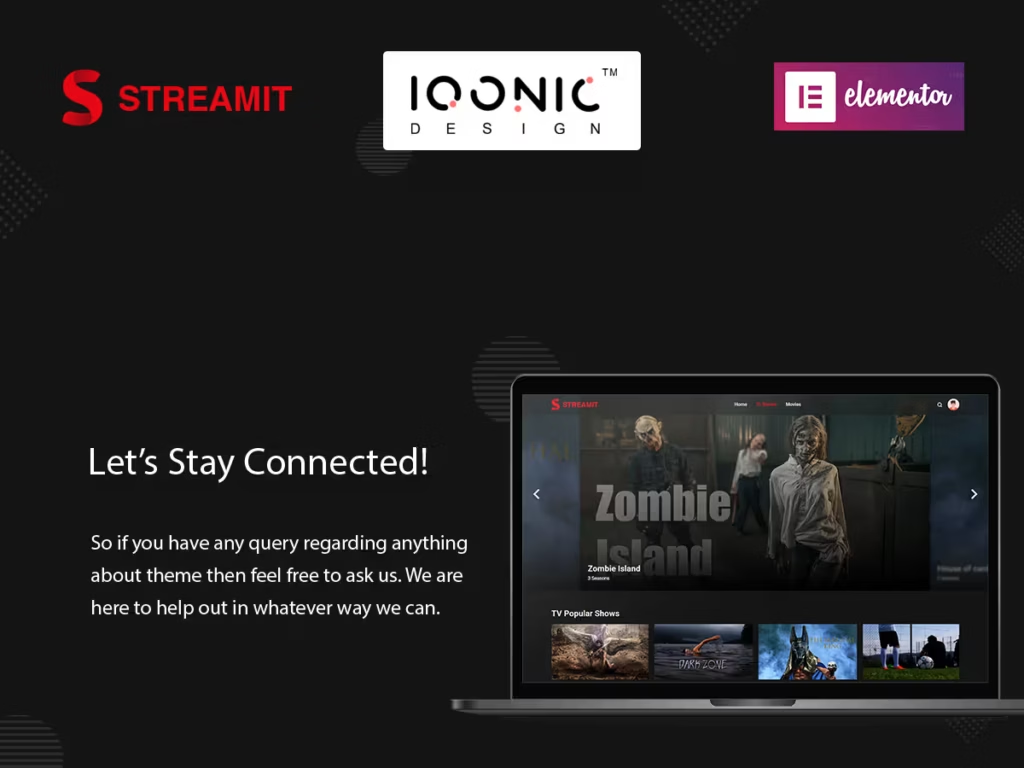
Quick verdict
Streamit is worth evaluating when you want a WordPress-based streaming catalogue with a matching member experience. Budget for hosting, media delivery, membership configuration and any additional product licences. Buyers looking for a complete hosted OTT service should compare the total implementation with that requirement in mind.
- Strength: streaming-focused presentation and content discovery.
- Strength: documented membership and page-builder integrations.
- Tradeoff: companion plugins are required, and subscription configuration still takes work.
- Tradeoff: theme installation does not establish production capacity, content protection or payment reliability.
Features and dependencies
Watchlists, ratings and discovery
The official listing advertises watchlists, ratings, advanced search and restricted-content features. These describe the Streamit product experience; they should not be interpreted as evidence that every feature operates in the theme alone without plugins.
For a real catalogue, test whether visitors can find titles by the categories you use, save their watchlist, resume browsing and understand which items require a subscription. Evaluate mobile navigation with your own posters and longer title names, not only the demo.
Memberships and payments
The membership guide uses Paid Memberships Pro for memberships, subscriptions and content restrictions. Configure membership levels and payment settings explicitly. Subscription-ready page layouts do not, by themselves, implement recurring billing.
WooCommerce is a compatible integration for commerce requirements. The current plugin requirements page lists Elementor and Streamit Plugin as required, with WooCommerce and Paid Memberships Pro among compatible plugins. Install optional components for the features you actually intend to offer.
Video delivery and platform scope
Decide where video files are hosted, how they are delivered and what playback formats your audience needs. Test restricted content as a guest, an active member and an expired member. Hiding a page is not equivalent to protecting an exposed media URL.
The Streamit product catalogue separates the WordPress theme from mobile apps, live-streaming products and its Laravel ecosystem. Do not assume those products, deployment services or hosting are included in a theme-only purchase.
Installation and setup
- Back up your site and prepare a staging environment.
- Download your purchased package and locate streamit.zip. Upload the installable theme through Appearance → Themes → Add New → Upload Theme, following the official installation instructions.
- Activate the theme, then install and activate Elementor and the Streamit companion plugin from the required-plugin workflow.
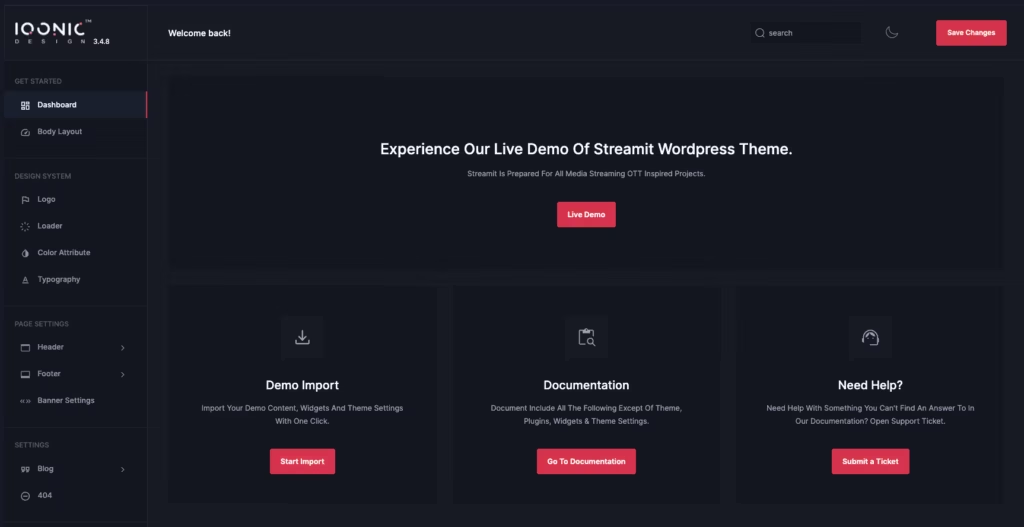
- Follow the setup wizard for the selected demo. Replace sample artwork, titles, menus and branding with your own content.
- If you need memberships, configure Paid Memberships Pro, membership levels and supported gateways. Add WooCommerce only for the commerce workflow you need.
- Test sign-up, payment success and failure, renewals, cancellation, restricted content and transactional emails before opening paid access.
- Test playback and navigation on the devices your audience actually uses. Confirm backups and an update process for the theme and plugins.
Requirements and historical test
The current requirements page specifies WordPress 5.6+, PHP 8.0+ and MySQL 5.6+. These are published minimums, not recommendations to run old software. The versions of your installed plugins may require newer components.
The earlier successful setup on WordPress 6.8/PHP 8.2 remains relevant as a historical observation. It does not establish compatibility with every later release, payment extension or hosting environment. Check the current changelog and reproduce critical workflows on staging before deployment.
Streamit pricing and support
On 6 November 2026, the main marketplace listing showed $199 Regular and $1,699 Extended, excluding tax and handling fees. It included future updates and six months of author support. Support-extension prices can depend on the purchase context, so confirm the selected total at checkout.
The marketplace distinguishes free access to the end product from charging users for access. Assess a paid streaming or membership model against the applicable licence terms before purchase; neither licence should be treated as an unlimited-site bundle.
Iqonic’s listing discourages refunds after downloading, but that is not the complete marketplace policy. Envato’s refund guidance allows case-by-case consideration for issues such as an item not working as described or an unresolved technical defect. A change of mind after download generally does not qualify. Read the current rules instead of assuming either an unconditional refund or no possible remedy.
Alternatives to Streamit
| Alternative | Documented approach | What to compare |
|---|---|---|
| StreamVid | Elementor-based streaming theme with Paid Memberships Pro subscriptions and WooCommerce pay-per-view/rentals. | Compare the member area, access rules and monetisation workflow; it is more than a catalogue-only visual alternative. |
| Aztec | A video membership theme using ARMember for its membership workflow. | Compare the membership administration and required extensions with Streamit’s PMPro approach. |
Use a short checklist for each demo: content discovery, account navigation, payment integration, access after expiry and video delivery requirements. A polished homepage is only one part of a streaming service. No scalability winner is claimed without equivalent load tests.
Frequently asked questions
Does Streamit work without plugins?
No. Its documentation identifies Elementor and the Streamit plugin as required. Membership functionality uses the appropriate membership integration and configuration.
Is WooCommerce mandatory for every Streamit site?
The current plugin list categorises it as compatible rather than universally required. Use it when your intended commerce workflow calls for it.
Are native apps and hosting included?
Do not assume so. Streamit offers multiple products; check the specific package contents and deployment terms.
Is the 14-minute setup a launch-time guarantee?
No. It records an earlier clean-environment installation. Uploading media, configuring billing and testing access controls can take substantially longer.
Is there an official free edition?
No official free WordPress theme edition was verified in this review. The marketplace offers a demonstration; a third-party archive is not the same as an author-provided trial.
Purchase options
Review the official Streamit listing or PureGPL’s Streamit listing. Compare delivery, update and support terms separately. A redistributed package should not be assumed to include vendor account access, hosted services or direct author support.