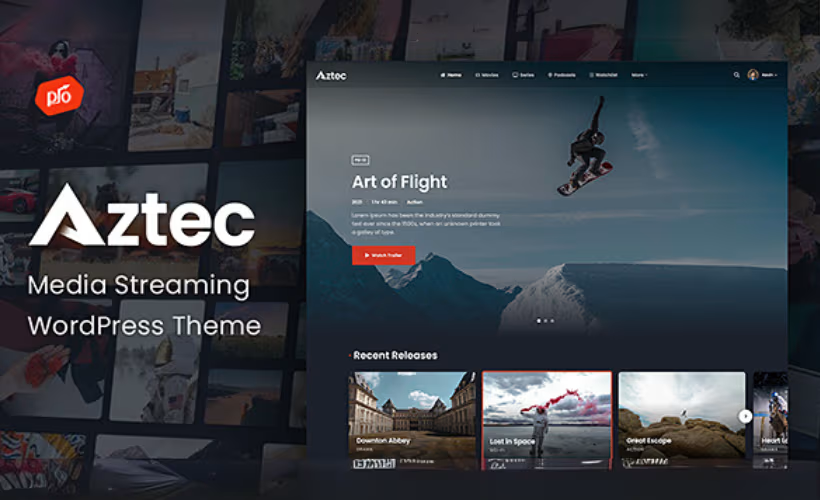
This Aztec theme review examines Progression Studios’ video and audio membership theme, its bundled tools and the work needed to launch a subscription library. Aztec combines streaming-oriented presentation with Elementor editing and ARMember integration. It is a packaged starting point, not a hosted streaming service.
Quick Verdict
Aztec is worth evaluating when you want a media library and membership presentation designed to work together. Plan separately for hosting, media delivery, payment processing and ongoing maintenance. A successful theme installation does not prove that billing or restricted playback works.
- Video-oriented layouts provide a useful starting structure for a media catalog.
- The package includes ARMember and integrates with Elementor.
- Bundled plugins still need configuration and updates.
- Paid access can change the relevant marketplace license and budget.
- Test the full member journey before inviting subscribers.
Streaming Presentation and Media Delivery
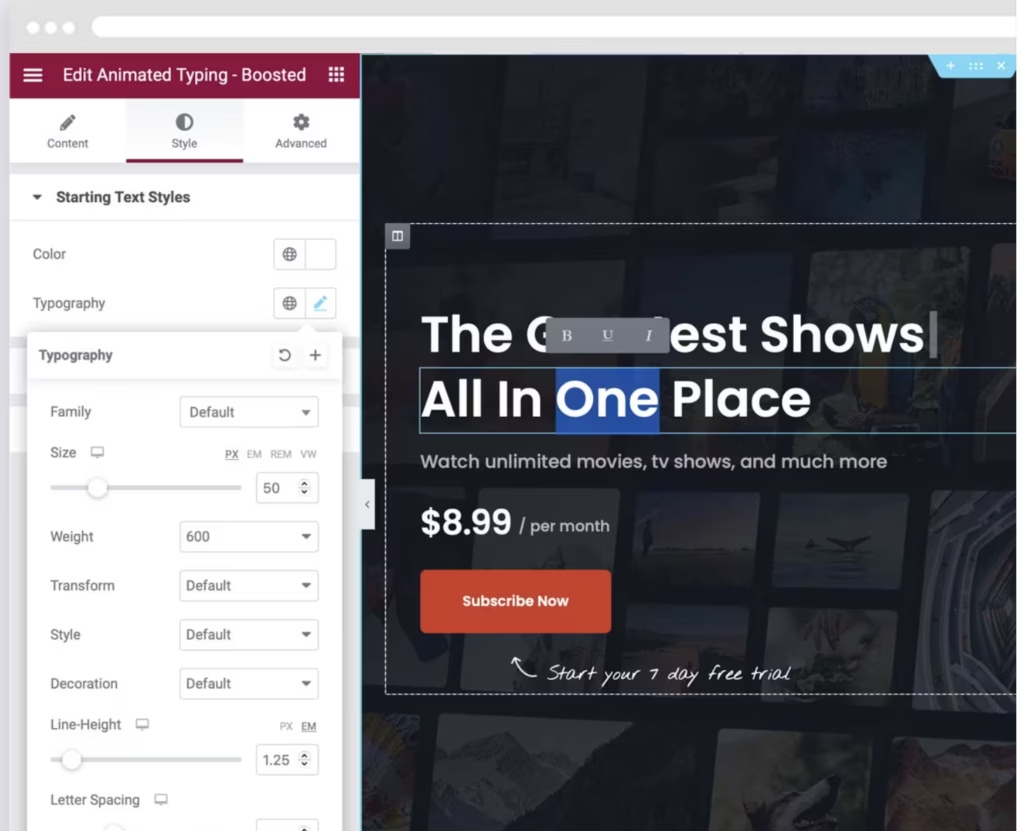
Aztec’s player and catalog layouts help organize a media website. They should not be confused with an included video CDN, transcoding service, storage allowance or digital rights management system. Choose a delivery provider that fits your video formats, expected traffic and access requirements.
Test playback on phones and slow connections using representative media. Check captions, keyboard controls and loading behavior where these matter to your audience. A polished homepage is only one part of a usable video library.
Membership Setup: What the Documentation Actually Requires
The official Aztec guide describes ARMember as the membership layer. After importing the demo, its settings require a separate manual import from the supplied settings file. The guide recommends enabling the Social Feature and Pay Per Post addons where needed.
Payments are configured through ARMember’s gateway settings; WooCommerce is not a mandatory intermediary for that documented flow. New content is public by default according to the guide, so explicitly configure and test access rules.
The bundled ARMember version does not require a separate activation in the documented setup. Updates are distributed through the theme package, and the author notes that this customized version can lag an upstream release. Follow the current theme instructions when updating it.
Elementor and Companion Plugins
Use Elementor for the theme’s visual page workflow. The marketplace changelog also names Progression Elements and Boosted Elements updates. Do not assume that installing only the membership plugin completes every demo dependency; inspect the theme’s recommended plugin screen and install the components your selected layout uses.
Keep a record of which plugin supplies each important feature. Before removing an addon, check signup pages, video lists, profile sections and global templates on staging. This makes maintenance easier than discovering missing widgets on a live member page.
Installation and Launch Checklist
- Back up the existing site and prepare a staging copy.
- Download the package from your purchase account. Extract the installable theme ZIP if the download includes documentation and additional files.
- Upload and activate the parent theme under Appearance → Themes. If using the included child theme, keep its parent installed.
- Install the companion plugins requested by the theme for your chosen workflow.
- Import the demo and complete the separate membership configuration described above.
- Set up your plans, gateway, account pages, notification emails and access rules.
- Replace sample media and copy with your own licensed content.
- Test as a logged-out visitor, free member, paid member and expired subscriber before launch.
Our earlier recorded test environment used WordPress 6.5 and PHP 8.4. That historical record does not establish compatibility with every current release or hosting configuration. Installation time also does not measure the work needed to configure billing, delivery and permissions.
Payments and WooCommerce
Compatibility with WooCommerce does not mean its free core supplies recurring subscription billing or automatically connects every product to a membership plan. Decide which system owns billing and access before adding another checkout. Verify the chosen integration, gateway support and any addon costs.
Use test mode to check successful payments, failed payments, cancellation and expiry. Confirm that account status and content access agree in each case. Avoid maintaining two conflicting sources of subscription status.
Aztec Pricing and License Choice
The official listing, checked November 6, 2026, showed $79 for a Regular License and $1,000 for an Extended License, before tax and handling charges. Six months of author support are included; longer support is a paid option. Future updates and support coverage are separate.
Envato’s license guide distinguishes free access from paid access to the end product. Advertising revenue, an ordinary online shop or a client paying you to build a freely accessible site does not by itself require Extended. A paid-access streaming product generally falls under Extended. Both standard licenses cover one end product; Extended is not a multi-site plan. Check the applicable terms for your exact use before purchasing.
Budget beyond the theme: media hosting, payment fees, any additional integrations and ongoing support can be recurring costs. A redistributed package is not automatically equivalent to an author-supported purchase or a direct plugin subscription.
Alternatives to Aztec
| Option | What it supplies | Best reason to evaluate it |
|---|---|---|
| Aztec | Media-focused theme with an ARMember integration | You want a coordinated starting design and membership workflow |
| MemberPress with a compatible theme | A separate membership plugin and your chosen design | You want to select the membership and presentation layers independently |
| REHub | Affiliate, review and comparison publishing tools | Your main business is affiliate content rather than paid video access |
MemberPress is a plugin offering membership protection and payment features, not a replacement streaming theme. Check its plan-specific capabilities and your media host separately. REHub’s official documentation is maintained by Wpsoul. REHub is an adjacent publishing option rather than an equivalent video subscription stack.
Frequently Asked Questions
Is Aztec an all-in-one hosted streaming service?
No. It is a WordPress theme with integrations. You still arrange hosting, content delivery and payment processing.
Is the ARMember plugin included?
Yes, the documented package includes it. Bundled update and support arrangements differ from buying a standalone plugin license directly.
Does every commercial website need Extended?
No. The key distinction is paid access to the end product, not simply earning revenue. Use the linked marketplace guidance to assess your project.
Can I use WooCommerce for recurring payments automatically?
Do not assume that theme compatibility supplies subscription billing. Verify the required subscription product and integration before choosing that route.
How can I evaluate the design?
Use the official Aztec demo to inspect its catalog and page layouts. A preview does not establish how your own hosting, plugins or protected media will behave.