Default WooCommerce order confirmation and shipping emails look plain, and most store owners have no easy way to fix that without hiring a developer or wrestling with PHP template overrides. This WooCommerce Email Template Customizer review looks at a plugin built specifically to close that gap: a drag-and-drop editor for transactional emails, built by VillaTheme. The pitch is straightforward — brand your emails visually, skip the code, pay once.
The real question is whether a one-time license fee and a limited support window justify skipping a free alternative when your store depends entirely on WooCommerce being active.
Quick Verdict
This plugin suits WooCommerce store owners who want branded, professional-looking transactional emails without touching code and are comfortable paying upfront for a proprietary tool. It’s a poor fit for anyone running a non-WooCommerce WordPress site, or for agencies managing many client sites who’d need the pricier Extended License. Store owners hesitant to buy before testing should also weigh the lack of a free tier.
Pros
- Drag-and-drop editor purpose-built for WooCommerce transactional emails
- WooCommerce-specific elements combined with basic content elements speed up template building
- Wide compatibility across multiple WordPress and WooCommerce versions, plus WPML support
- Fast setup — the zip file installs directly with no manual extraction
- One-time license cost instead of a recurring subscription
Cons
- No free tier or trial, so you commit to a purchase before testing it on your own store
- Support runs 6 months by default; extending to 12 months costs extra
- Extended License pricing is a steep jump from the Regular License, a real factor for agencies or multi-site use
- Entirely dependent on WooCommerce, so it’s dead weight on a site without it
👉 See WooCommerce Email Template Customizer pricing
Core Features
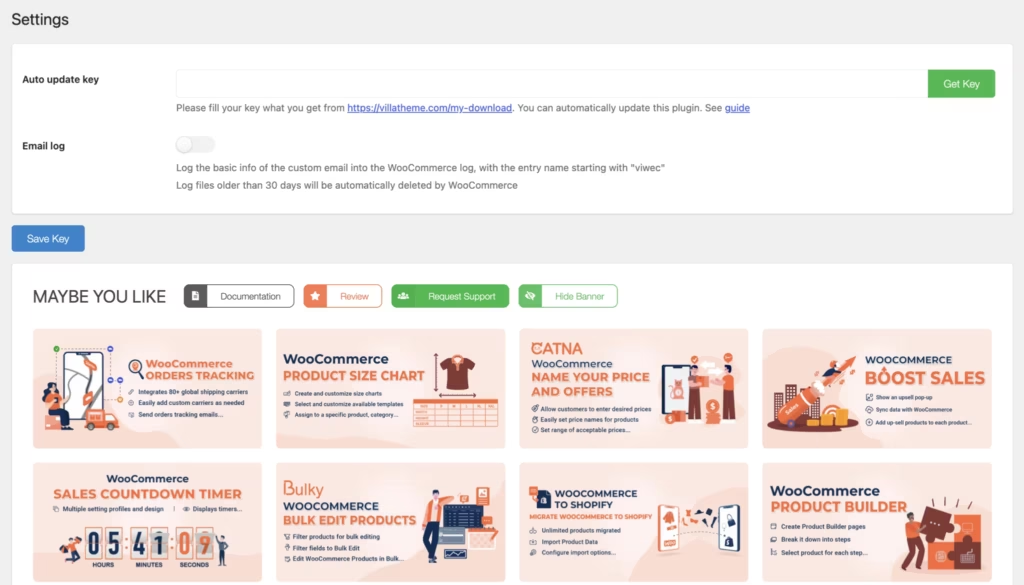
Drag-and-Drop Email Template Editor
The plugin’s core function is a drag-and-drop editor built specifically for WooCommerce’s transactional emails — order confirmations, shipping notices, and the other automated messages WooCommerce sends on a store’s behalf. Rather than editing PHP template files or wrestling with email-safe HTML, store owners assemble the layout visually inside the WordPress admin.
For a store owner without development resources, this turns email branding from a developer task into an admin task. Anyone comfortable arranging blocks on a page builder can restructure an order email to match the store’s visual identity, without touching code or hiring someone who can.
Basic Content Elements
Alongside the WooCommerce-specific pieces, the editor includes a set of basic content elements for general email building — the text, image, and layout building blocks needed to construct a template from scratch rather than just tweaking WooCommerce’s default markup.
This matters because transactional emails aren’t just order data; they’re also a branding surface. Having generic content elements available means a store can add a header image, a promotional line, or custom text blocks around the WooCommerce data, turning a plain notification into something closer to a marketing touchpoint.
WooCommerce-Specific Elements
Separate from the basic content blocks, the plugin provides elements built around WooCommerce’s own data structures — the order details, item tables, and store-specific information that populate transactional emails automatically. These pull and display WooCommerce data inside the drag-and-drop canvas, rather than requiring manual insertion of template tags.
The practical benefit is that store owners can reposition or restyle how order information appears — line items, totals, customer details — without breaking the underlying data connection to WooCommerce. The layout changes; the order data keeps flowing correctly.
Installation and Setup
- Purchase the plugin from the developer, VillaTheme, and download the delivered zip file (named something like codecanyon-28656007-woocommerce-email-template-customizer.zip).
- Make sure WooCommerce is installed and active on the site before adding the customizer. The plugin is built to work with WooCommerce 10.x.x, 9.x.x, 8.x.x, 7.x.x, and 6.x.x.
- In the WordPress dashboard, go to Plugins → Add New Plugin → Upload Plugin.
The zip file does not need to be extracted first — it can be uploaded directly in its downloaded format.
- Click Install Now, then Activate the plugin once the upload finishes.
- Open the plugin’s settings to access the drag-and-drop editor and begin customizing WooCommerce transactional emails, such as order confirmations, using the available content and WooCommerce-specific elements.
In hands-on testing on WordPress 6.5 with PHP 8.4, the whole process from upload to a working basic setup took about two minutes, with no extraction or manual file handling required.
Compatibility and Requirements
| Requirement | Supported versions |
|---|---|
| WordPress | 7.0.x, 6.9.x, 6.8.x, 6.7.x, 6.6.x, 6.5.x, 6.4.x, 6.3.x, 6.2.x, 6.1.x, 6.0.x |
| WooCommerce | 10.x.x, 9.x.x, 8.x.x, 7.x.x, 6.x.x |
| Multilingual support | Compatible with WPML |
Running a currently supported PHP version, rather than one that has reached end of life, is good practice for security and performance on a live WooCommerce store.
Since WooCommerce is a hard prerequisite rather than an optional add-on, confirm the store is running one of the listed WooCommerce versions before installing the customizer, as the plugin has no function without it.
The Plugin’s Pricing
The plugin is sold exclusively as a one-time purchase on CodeCanyon, with no free tier available. Buyers choose between two license types depending on how the plugin will be used.
Regular License — $59
This tier covers standard use of the plugin and includes the drag-and-drop email editor, WooCommerce-specific email elements, and six months of developer support from VillaTheme.
Extended License — $225
The Extended License carries the same feature set as the Regular License but is intended for broader commercial use cases that fall outside the Regular License terms.
Support Extension — $47.25
Both licenses include six months of support by default. Store owners who want coverage for a full year can purchase this add-on to extend support from six months to twelve. It’s frequently discounted during marketplace sales, sometimes to $20.25.
Check the official CodeCanyon listing for the current price and any active promotions before purchasing.
👉 Get WooCommerce Email Template Customizer at the best available price
Alternatives to the Plugin
Store owners weighing this plugin against other options will find the choice largely comes down to budget and editing style. Below is a comparison with a notable alternative in the same space.
| Product | Key Difference | Best For | Price Tier |
|---|---|---|---|
| This plugin | Dedicated drag-and-drop editor with WooCommerce-specific elements built for transactional email design | Store owners who want a purpose-built visual editor and are willing to pay a one-time license fee | Paid |
| Kadence WooCommerce Email Designer | Free block-based plugin from Kadence WP that customizes WooCommerce transactional emails inside the standard block editor | Store owners who prefer working within the familiar block editor and want to avoid extra cost | Free |
Competitor data is sourced from publicly available information as of 2026 and may have changed.
Which one makes sense depends on how a store is already built and what budget is available. A store already comfortable with the block editor and looking to avoid added cost may lean toward Kadence, while a store wanting a dedicated drag-and-drop workflow with WooCommerce-specific elements may find the paid license worth the investment.
Frequently Asked Questions
Does the plugin have a free version?
No, the plugin is a premium-only plugin with no free tier. It is sold through CodeCanyon as a one-time license purchase rather than through a freemium or subscription model.
How much does the plugin cost?
The Regular License costs $59, which covers standard use of the plugin. An Extended License is also available for $225 for cases that require broader usage rights.
What is the difference between the Regular and Extended License?
The Regular License is priced at $59 and serves as the standard tier for the plugin. The Extended License costs $225, a significant step up in price aimed at usage scenarios that go beyond a standard single-project license, such as agency or client work.
How long does support last after buying the plugin?
Support from VillaTheme is included for 6 months from the date of purchase. Store owners who need coverage beyond that can extend support to 12 months for an additional fee, listed at $47.25 and frequently discounted to $20.25.
Is the plugin compatible with WPML?
Yes, the plugin is compatible with WPML. It also supports a wide range of WooCommerce versions, from the 6.x series through 10.x, alongside WordPress versions from 6.0.x through 7.0.x.
How do I install the plugin?
Installation involves uploading the plugin’s zip file directly through the WordPress dashboard under Plugins, then Add New Plugin, then Upload Plugin. The file can be uploaded as-is without needing to extract it first, and installation together with basic setup takes about two minutes.
Download & Pricing Options
🔍 Try Before You Buy
WooCommerce Email Template Customizer does not have an official free tier. To evaluate it before purchasing, a GPL-licensed copy is available for sandbox testing purposes only.
👉 Download GPL Evaluation Copy
This is a GPL-licensed redistributed copy for testing only — not an official developer product.
💎 Get WooCommerce Email Template Customizer (Best Available Price)
👉 Check Current Pricing for WooCommerce Email Template Customizer
Pricing and availability may change — use the link above for current rates.